
When you manage a fleet, time is money—and any hiccup in your GPS limiter system can throw things off track fast. Whether it’s a school bus, commercial delivery truck, or heavy-duty vehicle, GPS limiters and tracking systems help keep vehicles safe, compliant, and efficient. But like any tech, they aren’t perfect.
Let’s dive into the most common GPS limiter issues and how you can fix them without wasting hours scratching your head.
Understanding GPS Limiters in Fleet Management
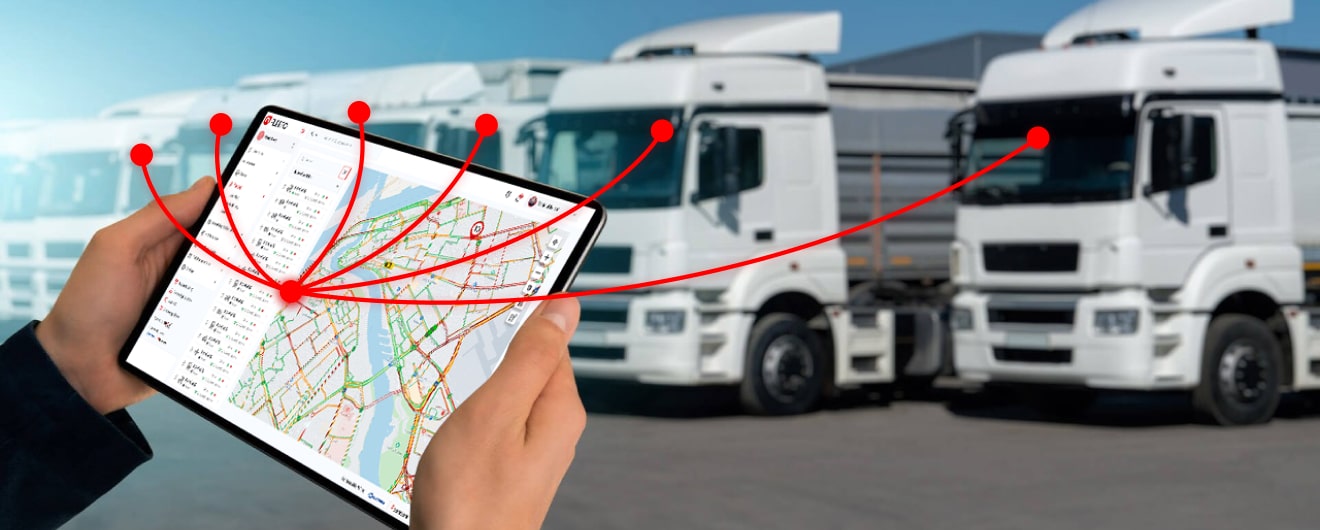
A GPS limiter combines vehicle tracking with speed control, helping ensure your drivers don’t go beyond set limits. These devices are often connected to speed governors or engine control modules (ECMs) to restrict how fast a vehicle can go based on location, terrain, or predefined routes.
Fleet managers use them for:
-
Driver behavior monitoring
-
Route compliance
-
Accident prevention
-
Government regulation adherence
Resolute Dynamics designs these systems to handle extreme conditions, but like all electronics, they need proper setup, calibration, and maintenance.
Common GPS Limiter Errors and Their Causes
Even the most advanced GPS limiter systems can sometimes run into trouble. Whether it’s signal loss, inaccurate speed reporting, or a complete communication breakdown, these errors can lead to poor tracking, unsafe driving, or even regulatory non-compliance. The good news? Every problem has a root cause—and a fix.
Let’s break down the most common issues, what causes them, and what to look out for.
1. GPS Signal Loss or Weak Signal
A GPS tracking system relies on uninterrupted communication with satellites orbiting the Earth. When that link breaks—even for a few seconds—your system can lose location data, and your speed limiter may not function properly.
Common Causes:
-
Urban Canyons: When a vehicle drives between tall buildings, especially in city centers, GPS signals bounce off structures, causing multipath errors or complete loss of signal.
-
Underground Parking or Tunnels: In areas without direct line of sight to the sky, GPS signals can’t penetrate—causing a total loss of satellite lock.
-
Poor Antenna Placement: Antennas buried under dashboards, near metal panels, or blocked by other electronic devices can reduce signal strength.
-
Damaged Antenna Cables: A pinched, frayed, or corroded antenna cable can interrupt the signal path between the satellite and the receiver.
-
Outdated Firmware: Older firmware may not quickly reacquire lost signals or may fail to adapt to satellite signal drift, especially with newer GPS satellite constellations like Galileo or BeiDou.
What to Do:
-
Relocate antennas for optimal line-of-sight to the sky.
-
Inspect for physical damage or corrosion.
-
Install OTA (over-the-air) firmware updates to improve signal reacquisition.
2. Inaccurate Speed Readings
Imagine a dashboard showing 80 km/h when the vehicle is idling—or worse, showing no speed when the vehicle is clearly in motion. Inaccurate readings from a GPS limiter can throw off driver alerts, route logging, and enforcement of speed limits.
Possible Causes:
-
Sensor Misalignment: If the wheel-speed sensor or GPS speed module is misaligned, it may transmit incorrect values to the ECU or the tracking platform.
-
Incorrect Map Calibration: GPS relies on map data to align speed with location. Faulty calibration or wrong coordinate grids can result in mismatched speed logs.
-
Satellite Synchronization Errors: If the device is connected to fewer than 4 satellites, it may interpolate or guess speed values inaccurately, especially in high-turnover zones like mountain passes.
-
Interference from Vehicle Electronics: Strong signals from CB radios, improperly shielded audio systems, or even dashcams can cause electromagnetic interference (EMI) that disrupts GPS processing.
Fixes to Consider:
-
Recalibrate your GPS device with the manufacturer’s tools.
-
Conduct a road test while comparing GPS speed against mechanical odometer data.
-
Inspect for EMI sources inside the cabin and reroute power lines if needed.
3. Device Not Communicating with the Server
This is a silent killer in fleet management. The GPS limiter may be running, but if it can’t communicate with the cloud server, you won’t see real-time data, alerts, or receive updates.
Root Causes:
-
Inactive or Expired SIM Card: Without a data plan or with a deactivated SIM, the device has no channel to send information to your platform.
-
Low Network Coverage: In rural or remote areas, cellular signals can drop entirely, especially if the device only supports 2G or 3G.
-
Power Supply Interruptions: Loose wiring, voltage drops, or battery disconnection during ignition can momentarily power down the device.
-
Hardware Overheating: Prolonged exposure to heat under dashboards or engine bays may cause internal circuit failure in the GPS module.
Troubleshooting Tips:
-
Check SIM status and test with a known working card.
-
Upgrade to 4G-compatible devices if your network is phasing out legacy bands.
-
Secure all connections using vibration-proof couplers.
-
Use thermal shielding or relocate hardware if overheating is detected.
4. Telematics Platform Alerts or Error Codes
Modern GPS limiter systems send error codes or diagnostic alerts when something goes wrong. But if you don’t understand what these alerts mean, you’ll be flying blind.
Common Alerts:
-
“GPS Module Not Responding” – Indicates the tracker is offline or has crashed.
-
“Speed Limiter Bypassed” – The system detected tampering or disconnection.
-
“Communication Timeout” – The limiter hasn’t pinged the server in a set time.
Causes Behind These Alerts:
-
Firmware Incompatibility: A software update may conflict with older hardware, causing system crashes.
-
Configuration Errors: A mismatch between limiter settings and telematics server (e.g., wrong baud rate or encryption settings) can lead to communication failure.
-
Unauthorized Modifications: Attempts to flash new firmware or alter speed limit thresholds can corrupt the system logic.
Resolution:
-
Run diagnostics using OEM-provided software.
-
Restore default configuration settings if a recent change caused the error.
-
Contact the provider (like Resolute Dynamics) for authorized firmware reinstallation.
5. Tampering or Physical Damage
Whether intentional or accidental, physical tampering is a leading cause of GPS limiter failure. Drivers trying to avoid restrictions may unplug or damage the device, while poor handling during service visits can also lead to faults.
Signs of Tampering:
-
Cut or Melted Wiring: Often hidden under the dashboard or behind access panels.
-
Removed or Disconnected Sensors: A common trick to bypass speed limiters.
-
Scratched Casings or Broken Mounts: Indicate forced access to internal components.
-
Jumper Wires or Fake Loads: Used to trick the ECU into thinking the limiter is working.
Why This Matters:
Tampering doesn’t just void your warranty—it can make your fleet non-compliant with transport regulations. In regulated industries like school transport or hazardous goods, this can lead to heavy fines or licensing suspension.
Prevention:
-
Use tamper-evident systems like those offered by Resolute Dynamics.
-
Install hidden alert triggers that notify you when tampering is detected.
-
Educate drivers on legal risks and corporate consequences of limiter bypassing.
How to Troubleshoot These GPS Limiter Issues
When your GPS limiter stops working or starts acting up, it doesn’t always mean the system is broken. Many of the issues are small—loose wires, outdated software, or even weak signals. As a fleet manager, you can solve most of these without pulling out the hardware or calling your supplier right away.
Here’s a step-by-step guide to troubleshoot GPS limiter problems efficiently, and possibly save time, money, and downtime.
Step 1: Check Physical Connections
Before jumping into software fixes or configurations, always start by inspecting the hardware. Most GPS limiter problems begin with a simple physical failure—and these are often the easiest to fix.
What to Inspect:
-
Power Supply Wires: Make sure the power cable is firmly connected. If it’s loose or corroded, the limiter may not boot up at all.
-
Grounding Wire: A poor ground can lead to intermittent power failures or false error codes.
-
Antenna Placement: If the GPS antenna is buried under the dashboard or obstructed by metal panels, it may struggle to get satellite signals.
-
SIM Card: For GPS systems with GSM communication, remove and inspect the SIM card. Make sure it’s active, has data, and is correctly inserted in the slot.
Red Flags:
-
Flickering LED lights on the limiter
-
Frequent resets or device shutting off during driving
-
No signal even in open sky areas
If everything looks good physically, move to system-level checks.
Step 2: Run System Diagnostics
Most GPS limiter systems today include built-in diagnostics tools or allow you to use a mobile app or computer-based interface to scan for faults. This is where you can uncover deeper system-level issues.
What to Check:
-
Satellite Lock Status: A functioning GPS device should lock onto at least 4 satellites for stable performance. If it’s stuck on 1 or 2, the signal is too weak.
-
Error Codes: These might appear in your telematics dashboard or diagnostic screen. Codes like “No GNSS Signal”, “Speed Limiter Malfunction”, or “Device Offline” offer clues.
-
Last Successful Communication: This tells you when the device last connected with your fleet management server. If it’s been hours or days, you likely have a GSM/network issue.
-
Tamper Logs: Some systems log tamper events. If someone tried to bypass the limiter or unplug it, it may show here.
-
Live Data Feed: If available, open a live telemetry stream and see if the limiter is sending real-time data like location, speed, and limiter status.
Tools to Use:
-
OEM-provided diagnostic software (for Resolute Dynamics devices, this includes desktop and mobile apps)
-
OBD-II scanners for systems integrated with the vehicle ECU
-
Telematics dashboard back-office tools
Don’t just clear the error codes—understand what caused them first.
Step 3: Update Software and Firmware
Technology moves fast—and if your GPS limiter is running outdated firmware or incompatible software, it may behave unpredictably.
What to Look For:
-
Firmware Version: Check if your GPS limiter firmware is the latest. Manufacturers like Resolute Dynamics often push updates that fix bugs, improve satellite locking speed, and enhance limiter response times.
-
Platform Compatibility: Make sure your tracking platform or mobile app is compatible with the current firmware of your GPS limiter.
-
Over-the-Air (OTA) Updates: Some GPS systems support wireless updates. Use this feature to avoid taking the vehicle off the road.
Why This Matters:
-
Old firmware may cause signal drops, delayed data, or even conflict with newer SIM card networks (like LTE vs. 2G).
-
Updates often include improved GNSS algorithms, better speed calibration logic, and added compliance features.
💡 Pro Tip: Always schedule firmware updates during vehicle off-hours to avoid disrupting drivers or losing data mid-route.
Step 4: Contact Tech Support When Needed
If you’ve done all of the above and the issue still isn’t resolved, it’s time to escalate.
When to Call Support:
-
The device fails to power on despite good wiring
-
Satellite lock remains unavailable in open-sky areas
-
You’re receiving multiple conflicting error codes
-
The system keeps resetting or freezing during operation
What Your Provider Can Help With:
-
Remote Diagnostics: Many modern GPS limiter providers can connect to your system remotely and diagnose issues from their server.
-
Component Testing: If a sensor or communication chip inside the limiter is faulty, they can identify it.
-
Hardware Replacements: If the unit is under warranty, they may offer replacements at no cost.
-
Custom Configuration Assistance: For complex fleets with terrain-based speed limiting, dual-speed settings, or regional regulatory needs (like AIS-140), the provider can help fine-tune the system.
Resolute Dynamics, for example, offers tailored tech support across regions like the USA, India, and Africa—ensuring systems remain compliant and optimized based on local laws.
Keep Troubleshooting Simple: A Quick Checklist
| Task | What to Look For |
|---|---|
| Power Check | Loose wiring, bad grounding, dead fuse |
| Antenna Inspection | Obstruction, damage, poor placement |
| SIM Card Status | Expiry, no data, wrong APN |
| Satellite Lock | At least 4 active satellite connections |
| Firmware Version | Up-to-date and OTA ready |
| Server Connection | Last ping time and live data visibility |
| Error Codes | Understand, don’t just clear them |
| Call Support | If all else fails or signs of damage |
Preventive Measures to Avoid GPS Limiter Errors
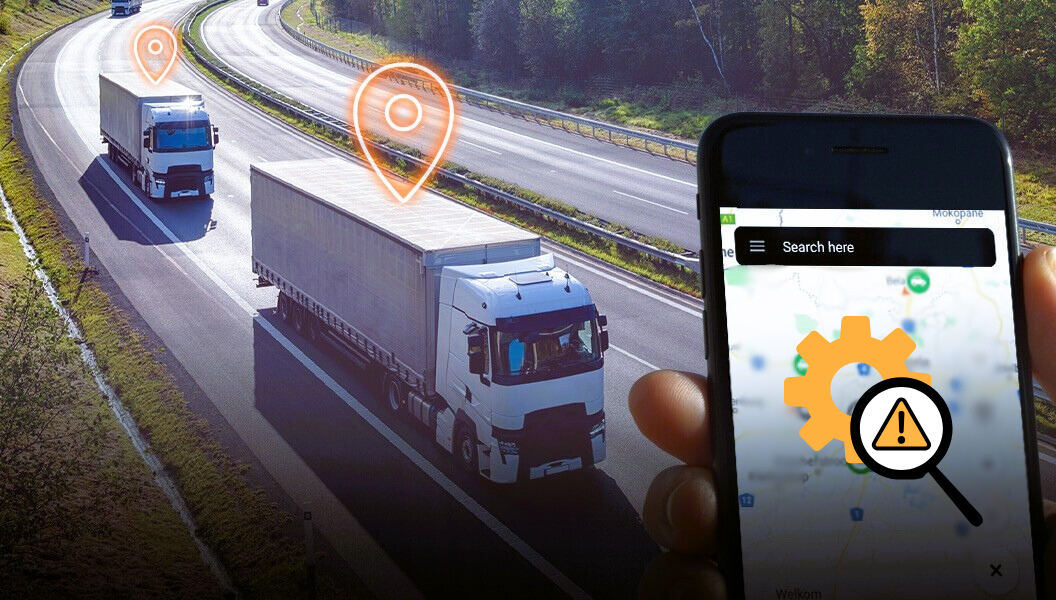
GPS limiter failures rarely happen without warning. More often than not, they’re the result of poor installation, skipped maintenance, or a lack of awareness. Fortunately, many of these issues are 100% preventable with the right systems in place.
As a fleet manager, it’s not just your job to fix problems—it’s to avoid them in the first place. Preventive maintenance can mean the difference between a vehicle that stays on the road and one that’s grounded by compliance violations or safety risks.
Let’s walk through the three key areas where proactive effort saves you time, money, and a lot of headaches.
1. Install Devices Properly
Many GPS limiter problems start the day they’re installed. If hardware isn’t mounted correctly, or if cables are routed in the wrong places, the system will almost always fail when put under pressure.
Best Practices for Proper Installation:
-
Use Certified Installers: Always rely on trained technicians who understand the internal wiring of vehicles and the technical specs of your limiter system. Certified installers follow proper wiring diagrams, test all circuits post-installation, and ensure warranty compliance.
-
Mount Antennas with Line-of-Sight to the Sky: GPS signals come from satellites. If your antenna is buried under the dashboard or blocked by metal structures (like support beams or steel panels), signal strength will drop drastically. Install antennas:
-
On the roof when possible
-
Away from high-voltage wires or electronics
-
Facing upwards, flat, and away from heat sources
-
-
Avoid Routing Cables Near Heavy Electronics: Placing limiter cables too close to systems like alternators, amplifiers, or aftermarket stereos can introduce electromagnetic interference (EMI). This can cause data packet loss, random restarts, or corrupted GPS readings.
-
Secure All Wiring with Cable Ties and Heat Shrink: Vibration from driving can loosen unprotected wiring. Over time, this can cause short circuits, signal dropouts, or complete failure. Use automotive-grade cable management tools to keep everything tight and insulated.
Pro Tip: Take photos of the installed device and wiring for future reference during maintenance or troubleshooting.
2. Maintain a Monthly Checklist
Think of your GPS limiter like a tire or an oil filter—it needs regular checks to keep working correctly. Setting up a simple monthly inspection routine helps catch small issues before they become big (and expensive).
Monthly Maintenance Checklist:
| Item | What to Check | Why It Matters |
|---|---|---|
| Wiring & Connectors | Look for loose, frayed, or exposed wires | Prevents shorts, tampering, and system resets |
| GPS Signal Strength | Verify signal lock in different areas | Ensures reliable speed readings and location tracking |
| Firmware Version | Confirm it’s up to date | Older software may miss signals or crash frequently |
| Server Communication | Check last data ping time | If the server hasn’t received data, it can’t track the vehicle |
| Error Logs | Scan for warnings or alerts | Early alerts can signal bigger issues down the road |
| Speed Threshold Settings | Reconfirm with regulation or road types | Avoids setting mismatched limits that drivers can’t follow |
Recommended Tools:
-
Diagnostic app from your GPS limiter provider
-
Mobile hotspot or data access (for real-time testing)
-
Digital multimeter (to test power supply levels)
Remember: consistency beats complexity. Even a 10-minute check can prevent hours of downtime.
3. Train Drivers on Proper Use and Awareness
Even the most advanced GPS limiter system is useless if the person behind the wheel doesn’t respect or understand it. Many limiter issues are caused by accidental tampering, lack of reporting, or deliberate bypass attempts.
Key Driver Training Topics:
-
“Don’t Touch” Zones: Make it clear that tampering with wires, disconnecting antennas, or removing SIM cards is not just against company policy—it could be a legal offense in some regions (especially in regulated sectors like school transport or fuel delivery).
-
Dashboard Alerts & Warning Lights: Teach drivers to identify and report warnings like:
-
“No GPS”
-
“Speed Limiter Offline”
-
“Communication Lost”
Early reporting can prevent larger technical issues or compliance breaches.
-
-
What the GPS Limiter Does (And Why): Help drivers understand that the GPS limiter isn’t there to punish them—it’s to protect them, your business, and everyone else on the road. Share how:
-
Speed limiters reduce accident severity
-
GPS tracking proves their innocence in disputes
-
Tamper alerts can lead to disciplinary action
-
Encourage a Culture of Responsibility:
-
Give incentives for error-free operation
-
Recognize drivers who report faults promptly
-
Make them part of the safety ecosystem
Trained drivers are your first line of defense against limiter failure.
When to Replace or Upgrade Your GPS Limiter
Some systems just outgrow their usefulness.
Signs You Need an Upgrade:
-
Frequent signal drops
-
No compatibility with newer vehicles or networks (like 5G)
-
Missing modern features like dual-speed control or terrain-based limiting
Resolute Dynamics offers dual-speed limiters and smart lift monitoring, ideal for mixed-terrain or workshop-heavy fleets.
If your vehicles operate in harsh conditions or carry precious cargo—like school kids—you’ll benefit from the latest tech.
Resolute Dynamics’ Support for Fleet Managers
Fleet managers don’t have time to troubleshoot alone. That’s why support matters just as much as the hardware.
What You Get:
-
Access to real-time diagnostics tools
-
Dedicated customer support by phone or email
-
Hardware replacement options
-
Custom setups based on your operational zone (like UAE, India, or Africa)
Resolute Dynamics is known for precision engineering and region-specific solutions that follow regulatory compliance.
FAQs
Why does my GPS limiter lose signal often?
Signal loss usually comes from poor antenna placement or environmental interference like tall buildings or tunnels.
Can I reset the limiter remotely?
Yes, many systems allow OTA resets through the admin dashboard—check with your provider.
What should I monitor daily as a fleet manager?
Look at signal strength, last communication time, speed alerts, and any tampering or bypass attempts.
Are all limiters the same?
No. Some are basic, while others like Resolute’s terrain-based or dual-speed limiters offer more control and better integration with GPS tracking.
Final Thoughts
GPS limiters are vital tools in fleet management—but like all electronics, they need regular care. Don’t wait until problems grow into breakdowns. A few simple checks, regular updates, and smart diagnostics can keep your vehicles compliant and your operations smooth.
If your fleet runs on precision, safety, and efficiency, make sure your GPS limiter system is ready to deliver every mile of the journey.